


 Package repository
 Debian Live
 Grml
Grml Flashing
 PGP
PGP Sponsors
MNT Reform system images
Download
| Debian 13 Trixie | Debian 13 Trixie + Backports | |
|---|---|---|
| Download URL | https://reform.debian.net/images/reform-system-any.img.xz | https://reform.debian.net/images/reform-system-any-bpo.img.xz |
| Download size | 948MiB | 1.4GiB |
| Uncompressed size | 11GiB (11265901056 Bytes) | 11GiB (11265901056 Bytes) |
| PGP signature | https://reform.debian.net/images/reform-system-any.img.xz.sig | https://reform.debian.net/images/reform-system-any-bpo.img.xz.sig |
| SHA256 | 2534a1401d38a0baeab9b52fb2c620db3a13838cecaeb399ccecd6e11f194206 | 67479f52821d76b3c7106616bf512f68a1e7945a651d6bc665095c1e4e5fb46e |
| Linux Version | 6.12.94 | 7.1.3 |
| reform-tools | 1.71 | 1.87 |
To reproduce above images locally use SOURCE_DATE_EPOCH=1785940894.
Flashing
You can flash Debian Trixie onto an SD-Card using bmaptool and PGP verification using the following command:
sudo bmaptool copy --fingerprint 3AC6EB840FA5CE3FF31BAD80EF93221F8A44FEB2 --keyring /usr/share/keyrings/debian-keyring.gpg https://reform.debian.net/images/reform-system-any-bpo.img.xz /dev/mmcblkX
Make sure to replace /dev/mmcblkX with the name of your SD-Card device of your
computer. bmaptool will make sure not to accidentally overwrite any drive
which is currently in use. For more guidance, see either directly below or the instructions about flashing.
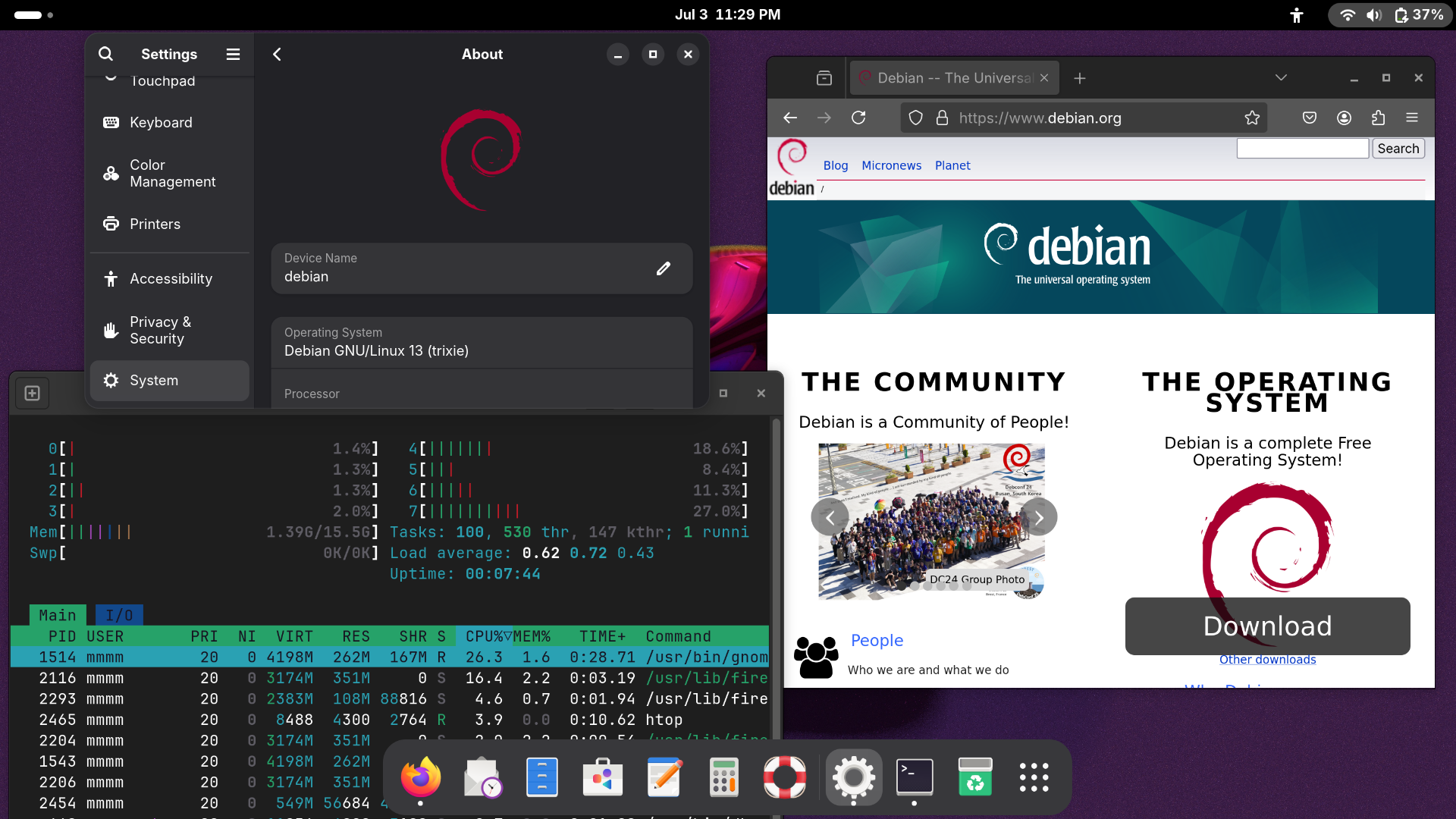
Summary
These disk images contain a bootable full Debian installation which can be flashed to an SD-card or USB flash drive from which your Reform can then boot directly into a full desktop installation.
To boot these images, you need to have U-Boot flashed to your eMMC, so that it can load the kernel from the first partition of your SD-card or USB flash drive. Only one platform-independent image without U-Boot is provided to save disk space on this server. If you cannot have U-Boot on eMMC, you can flash the platform-specific U-Boot blob to the beginning of the SD-card at the correct offset. See the instructions about flashing for guidance.
If you do not want to operate your Reform from the SD-card or USB stick (slow
and wears down the flash storage quickly) you can copy its contents to eMMC or
NVMe after having booted your Reform from the SD-card or USB drive. The scripts
reform-flash-rescue, reform-migrate and reform-setup-encrypted-disk from
the reform-tools package help you with that task. See the respective man
pages for more information. Alternatively, you can use the
Debian Installer to install Debian onto your Reform like you would install
Debian on any other platform.
Hardware compatibility
The Linux kernel from Debian Trixie (version 6.12.x) will not run on all
platforms. This table summarizes the platform support for the kernel of Trixie
and Trixie Backports. The platform name in the first column is the output of
running cat /proc/device-tree/model.
| Platform | Debian 13 Trixie | With Linux from trixie-backports |
|---|---|---|
| MNT Pocket Reform with BPI-CM4 Module | ✅ | ✅ |
| MNT Pocket Reform with i.MX8MP Module | ✅ | ✅ |
| MNT Pocket Reform with RCORE RK3588 Module | ✅ | ✅ |
| MNT Reform 2 | ✅ | ✅ |
| MNT Reform 2 with BPI-CM4 Module | ✅ | ✅ |
| MNT Reform 2 with i.MX8MP Module | ✅ | ✅ |
| MNT Reform 2 with LS1028A Module | ✅ | ✅ |
| MNT Reform 2 with RCORE-DSI RK3588 Module | ❌ | ✅ |
| MNT Reform 2 with RCORE RK3588 Module | ✅ | ✅ |
| MNT Reform Next with RCORE RK3588 Module | n.a. | n.a. |
non-free blobs
These images contain firmware packages from the non-free-firmware section of
the archive so that the images run out-of-the-box with the default wifi cards
that come with units sold by MNT. If you don’t want these blobs on your system,
you can uninstall the firmware packages using apt patterns:
sudo apt remove '?narrow(?installed, ?section(non-free-firmware))'
Source
The images are generated by the following scripts: https://salsa.debian.org/reform-team/reform-system-image
